

Platform overview
Microsoft Power Platform brings together business apps, automation, analytics and external websites. Organizations can select individual products and connect them through shared data and connectors to build integrated solutions.
Platform components
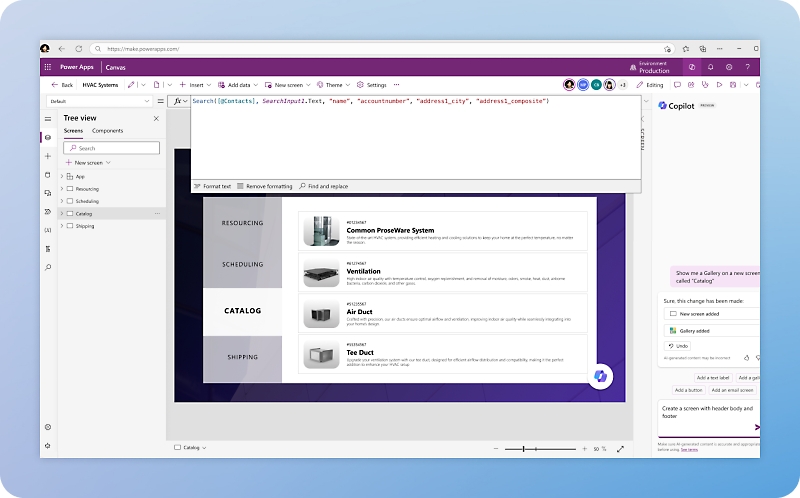
Power Apps
Build low-code business applications that connect data with everyday work, and extend existing systems through connectors.
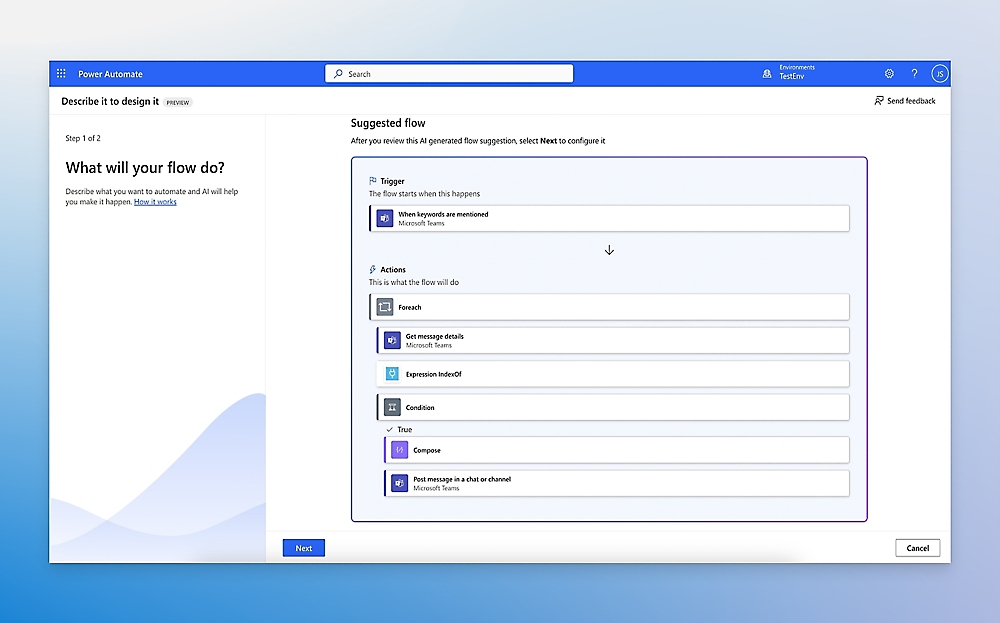
Power Automate
Automate repetitive tasks and business processes with cloud and desktop flows. Connect applications and services for collaborative processes such as approvals.
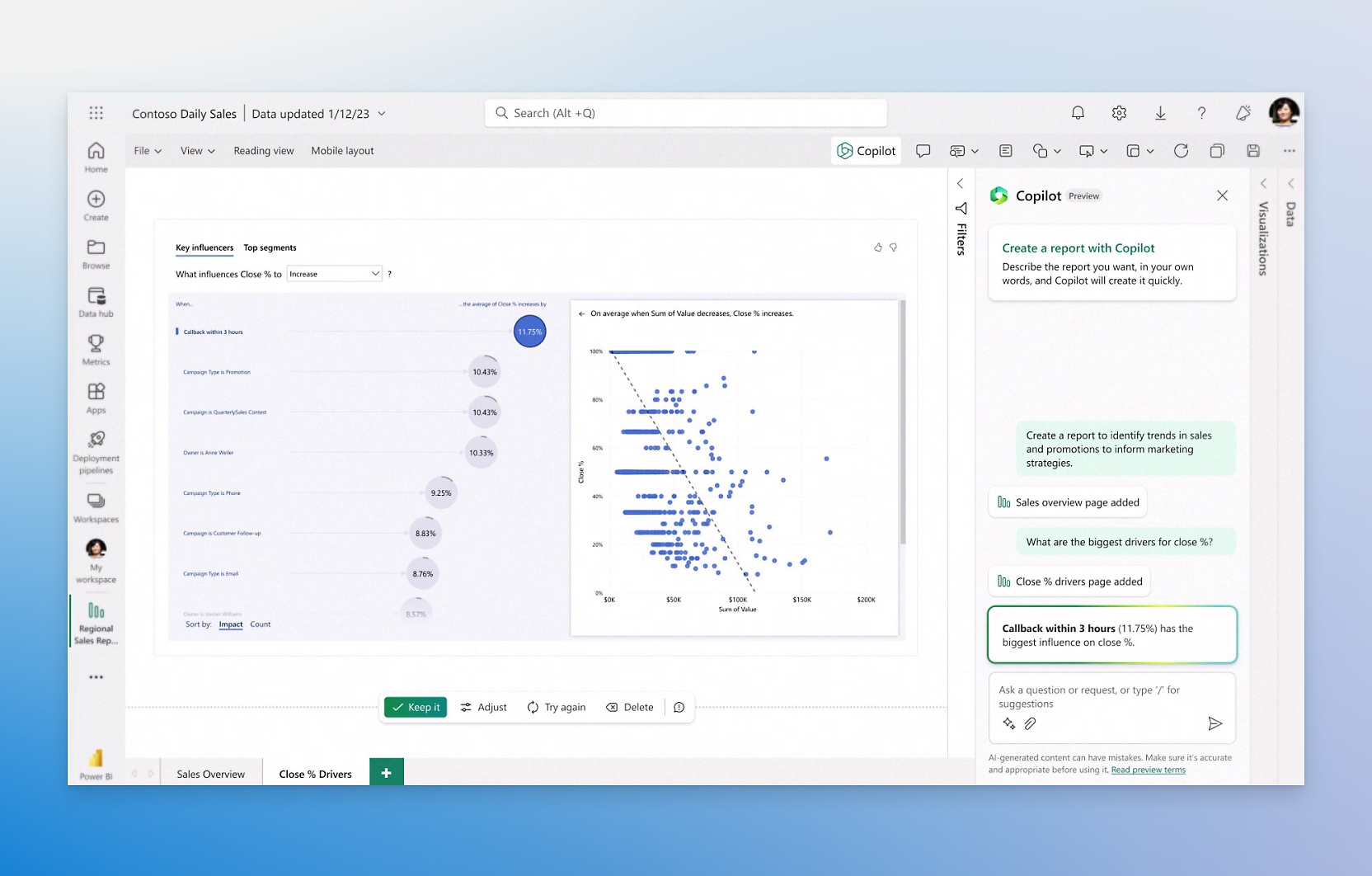
Power BI
Connect business data and create interactive reports and visualizations to help teams analyze information and share insights.
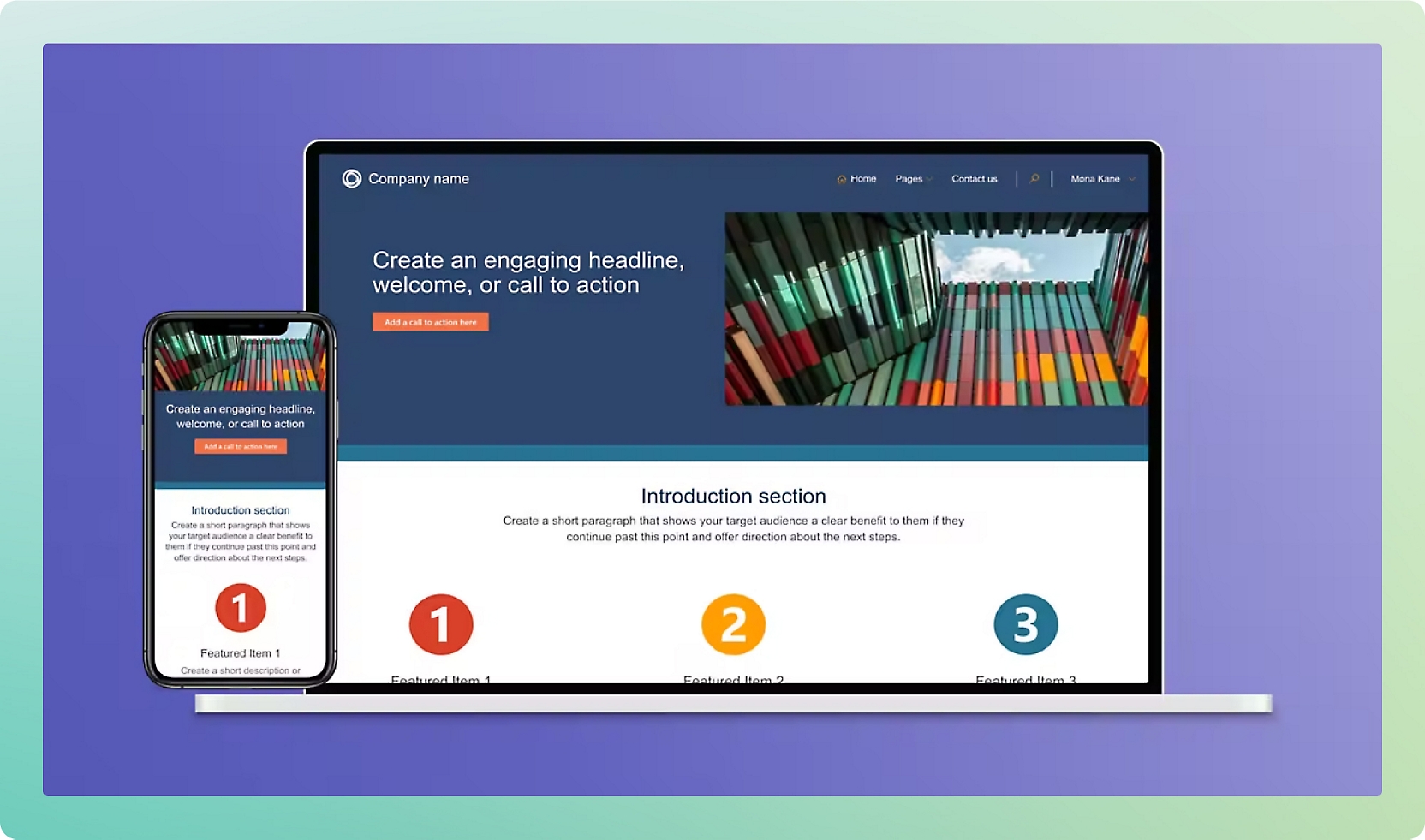
Power Pages
Create external-facing business websites with connected data and access controls for online interactions.
Bring data and business together
Shared data with Dataverse
Dataverse stores and manages business data in tables, with relationships, business rules and role-based access controls. Applications can work with a shared data model rather than maintaining disconnected copies.
Connect and extend
Use connectors to integrate Microsoft services and external systems. Evaluate custom connectors and APIs for services beyond the existing connector catalog. AI Builder and Power Fx provide additional ways to extend solutions; availability depends on the selected products and configuration.
Management and governance
The Power Platform admin center provides environment, security and resource management. Data policies control connector use to help reduce accidental data exposure, while application lifecycle management supports planning for development, testing and deployment.
Product selection and licensing
Assess business scenarios, existing systems, data sources, internal and external users, permissions and environment requirements. Licensing includes user-based, capacity-based and consumption-based options. Actual use rights depend on products, features and configuration; consult current licensing guidance and agreements.
Official Microsoft resources
This overview is based on Microsoft product information and Microsoft Learn documentation. Explore the resources below for capabilities, data governance and current licensing guidance.
Frequently Asked Questions
How are Power Platform and Power BI related?
Power BI is the analytics and visualization component of Power Platform. The platform also includes tools for apps, process automation and websites.
How should products and licensing be selected?
Assess the business scenario, data sources, users and deployment requirements. Confirm capabilities and licensing against Microsoft documentation and project requirements.
Do all Power Platform products have to be used together?
Products can be used individually or combined across apps, automation, analytics and websites. Data connections and licensing should be confirmed for the proposed solution.
What role does Dataverse play?
Dataverse stores and manages business data with tables, relationships, business rules and role-based access controls. It can provide a shared data foundation for multiple applications.
Can Power Platform connect to existing business systems?
Connectors integrate Microsoft and external services, with custom connectors and APIs as further options. Available operations, permissions, data policies and licensing must be checked against the target system.
Discuss Your Requirements
Talk to Weihan about your business processes, integration requirements and project scope.
Contact Us